include:
reads one or more files into vars
, at the pipeline, job or step level. It does not merge jobs: an included file's jobs:
section, if it has one, is ignored. To share jobs across files, use Skills
.
Basic Include
  name: Main Pipeline

include:
  - ci/build.yml
  - ci/test.yml

vars:
  environment: staging

jobs:
  default:
    aliases: [default]
    desc: Report the merged variables
    steps:
      - run: echo "Deploying ${{ image }}:${{ tag }} to ${{ environment }} (coverage >= ${{ coverage_threshold }}%)"
  image: myapp
tag: v1.2.3
coverage_threshold: 80
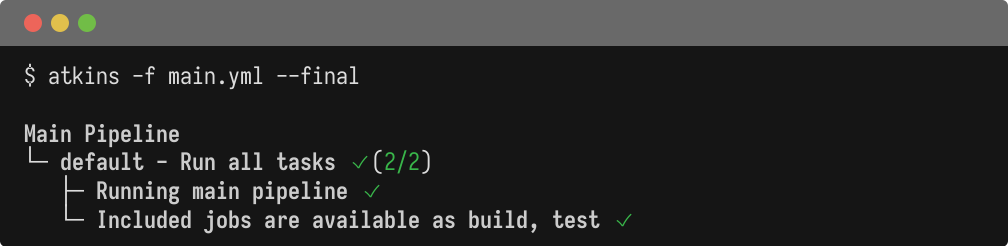
ci/build.yml
and ci/test.yml
are plain YAML documents of variables, not pipelines. Their top-level keys land in vars
, exactly as if they had been written into main.yml
directly.
Merge Order
A later file in the list overrides an earlier one, and the block's own vars:
overrides every included file, whichever order they appear in:
  include:
  - ci/build.yml   # tag: v1.2.3
  - ci/test.yml    # tag: v1.2.3-rc (wins over ci/build.yml)

vars:
  tag: v2.0.0        # wins over both included files
Relative Paths
A path in include:
is resolved from the current working directory atkins was run from, not from the file that declares it. A pipeline that includes a file next to itself only works when invoked from that directory; write the include relative to where the pipeline is meant to be run, or resolve it with $(...)
first.
No glob expansion happens: include: ci/*.yml
is read as a literal filename and fails with "no such file or directory" rather than matching multiple files. List every file include:
should read.
Environment Includes
env: include:
does the same for env
, but reads a dotenv file (KEY=value
lines) instead of YAML:
  env:
  include: .env.production
  vars:
    LOG_LEVEL: debug   # wins over .env.production